

PWNanel
PWNanel is one of the main menus in Athena OS, based on Kando, aiming to centrally distribute the main security offensive and defensive tools and the learning resources and providing great accessibility.
PWNanel can be accessed by CTRL+SPACE.
PWNage Menu
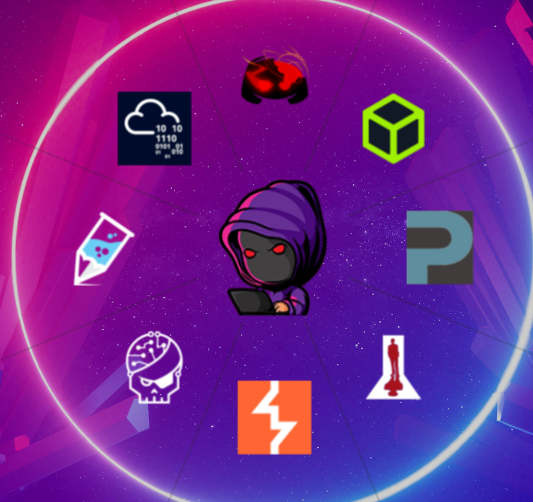
Section titled “PWNage Menu”PWNage Menu allows users to access instantly to the main hacking platforms for learning purposes and to join the main Discord InfoSec Communities.
One of the most interesting features of Athena is the deep integration with Hack The Box platform, accessible by PWNage menu. Athena gives the possibility to play Hack The Box machines directly on the OS environment in a quick and comfortable manner. It offers:
- Connect/Disconnect to/from Hack The Box VPN servers
- Play any active free machine you wish
- Reset the active machine
- Stop any active machine
- Submit a flag and write a review about your hacking experience!
- … and access to the Hack The Box website
It can be done by accessing to the Hack The Box icon in PWNage menu.
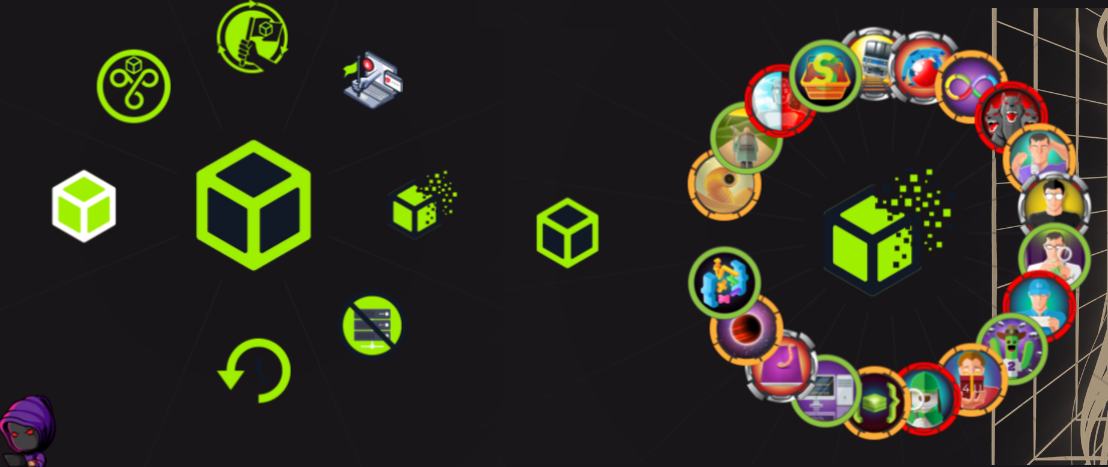
The menu is updated by a cronjob in order to call Hack The Box APIs and retrieve the last free active machines.
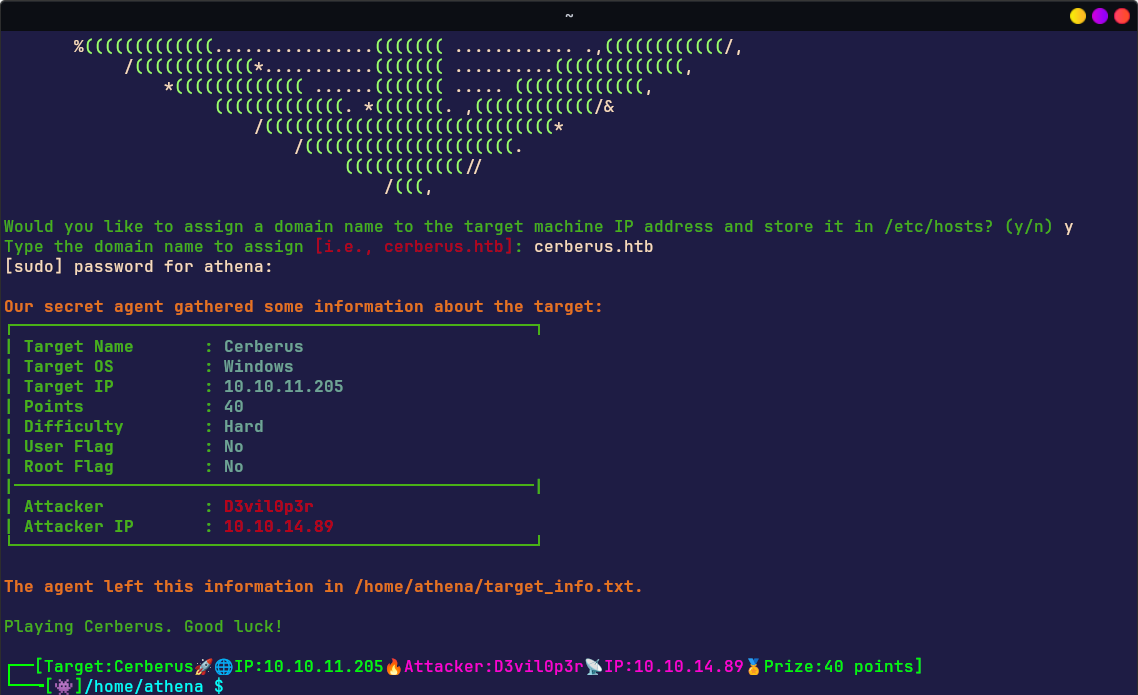
Playing with one of these machines will edit the PROMPT of the shell by showing the name of the laboratory, the target IP address, the attacker IP address, the Hack The Box username of the user and the prize points.
The set of tools that manages the Hack The Box environment needs of the App Token of the Hack The Box user that can be set as described in Athena Welcome section or by calling htb-update command.
Red Team Menu
Section titled “Red Team Menu”Red Team Menu is born for organizing in pretty manner the main pentesting tools that users need to start their hacking activity. It is deployed in different manner according to the installed environment.
It consists of two levels:
- 1st level containing several hacking categories, plus browser and VSCodium as editor
- 2nd level consisting of hacking tools deployed for each hacking category
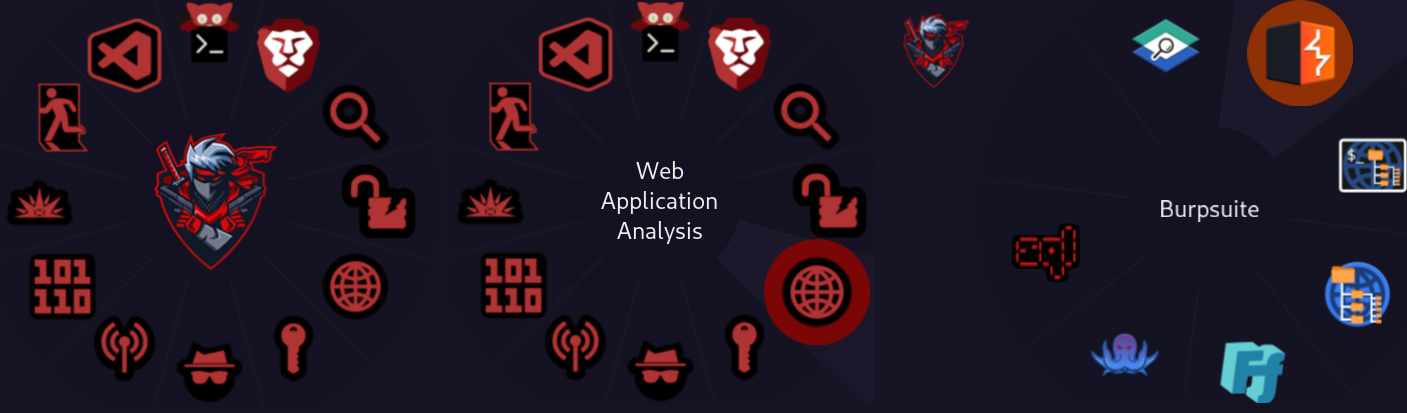
In details:
| Information Gathering | Dmitry | Nmap | Spiderfoot | TheHarvester | enum4linux | wafw00f | Fierce |
|---|---|---|---|---|---|---|---|
| Vulnerability Analysis | Legion | Nikto | unix-privesc-check | ||||
| Web Application Analysis | WPScan | Burpsuite | dirb | dirbuster | ffuf | Wfuzz | sqlmap |
| Password Attacks | John | Hashcat | Hydra | CEWL | CRUNCH | RSMangler | Medusa |
| Sniffing | mitmproxy | Responder | Wireshark | ||||
| Wireless Testing | Aircrack-ng | Kismet | Reaver | Wifite | Fern Wifi Cracker | Spooftooph | |
| Reverse Engineering | NASM | Radare2 | |||||
| Exploitation | SearchSploit | Metasploit | SEToolkit | ||||
| Post Exploitation | PowerSploit | Mimikatz | evil-winrm | proxychains-ng | weevely |
The tools can also be accessed by the classic menu:
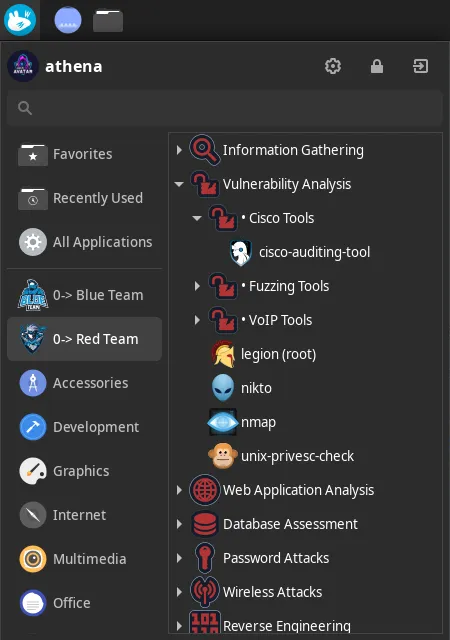
Blue Team Menu
Section titled “Blue Team Menu”Blue Team Menu is born for organizing in pretty manner the main security defensive tools that users need to start their Blue Team activity. It is deployed in different manner according to the installed environment.
It consists of two levels:
- 1st level containing the NIST Cybersecurity Framework phases
- 2nd level consisting of defensive tools deployed for each NIST category

In details:
| Identify | Spiderfoot | Wapiti | Maltego | OWASP ZAP | Searchsploit | |||||
|---|---|---|---|---|---|---|---|---|---|---|
| Protect | ClamAV | Firewall Builder | ||||||||
| Detect | SentryPeer | |||||||||
| Respond | Foremost | Wireshark | OllyDbg | netsniff-ng | Mactime | ILS | ICAT | Guymager | Ghidra | Galleta |
| Recover | Scrounge NTFS |
The tools can also be accessed by the classic menu:
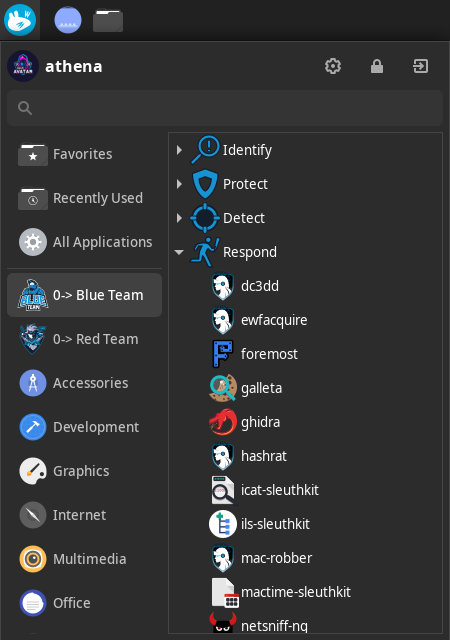
In Athena Nix, these tools are run in an ephimeral environment by Nix Shell. It means that once the user exits from Nix Shell, the tool is unlinked/removed. To keep a specific tool permanent on the system, you can set a Cyber Role or edit /etc/nixos/configuration.nix by adding explicitly the tool you need and run sudo nixos-rebuild switch.